
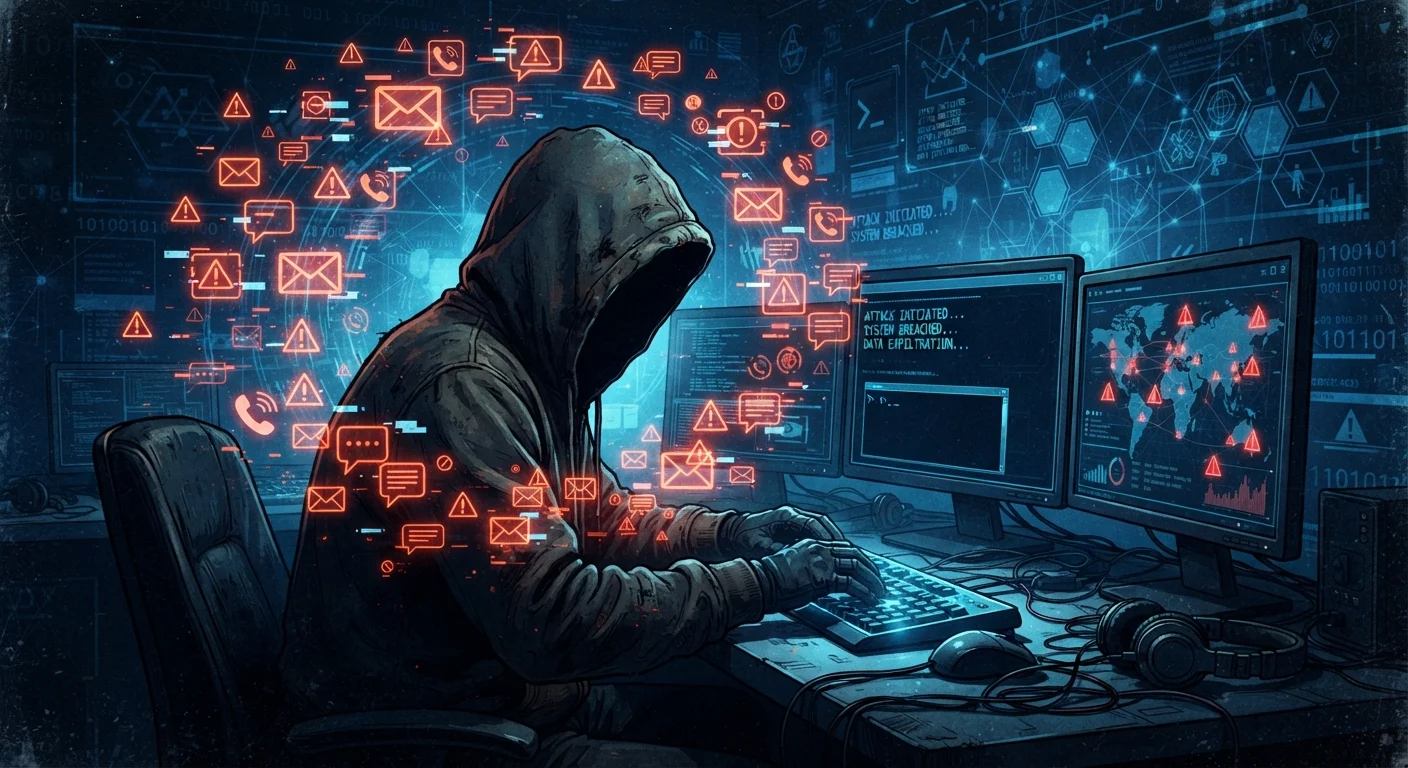
Three Scam Types, One Goal
Scammers have a simple objective: get you to hand over information or money by pretending to be someone you trust. What changes is the channel they use. Phishing happens over email. Smishing uses text messages. Vishing comes through phone calls. Understanding how each one works — and what it looks like in a real-world scenario — is the fastest way to avoid falling for one.
| Phishing channel | |
| Smishing channel | SMS / text message |
| Vishing channel | Voice phone call |
| Common impersonation targets | Banks, IRS, USPS, Social Security Administration, tech support |
| Caller ID spoofing | Legal for legitimate use; frequently abused by scammers to fake trusted numbers (FCC consumer guidance) |
| Report phishing emails | Forward to reportphishing@apwg.org or the FTC at reportfraud.ftc.gov (Anti-Phishing Working Group / FTC) |
These attacks succeed not because victims are careless, but because scammers are increasingly convincing. Many messages now mimic the exact logos, language, and sender names of banks, government agencies, and package delivery services. The exposure of personal data in breaches makes it even easier for bad actors to personalize their approach.
Phishing: The Email Lure
Phishing emails are designed to look legitimate. A common example: you receive a message that appears to come from your bank, warning that your account has been flagged for unusual activity. There's a button that says "Verify My Account Now." The link takes you to a convincing but fake website where anything you type — username, password, account number — goes straight to the attacker.
Red flags to watch for in email:
- Mismatched sender addresses — the display name says "Chase Support" but the actual address is something like
support@chase-alerts.net - Urgent or threatening language — phrases like "Your account will be closed in 24 hours"
- Generic greetings — "Dear Customer" instead of your name
- Suspicious links — hover over any link before clicking to see the true destination URL
Spear Phishing Targets You Specifically
Unlike bulk phishing campaigns, spear phishing attacks are customized using details gathered from social media, data breaches, or company directories. A message might reference your employer, a recent purchase, or a colleague's name. This personal touch makes them far more convincing than generic emails, so stay cautious even when a message feels familiar.
Spear phishing is a more targeted version. Instead of mass-blasting thousands of inboxes, attackers research a specific person or organization and craft a message that references real details — a colleague's name, a recent transaction — to seem credible.
Smishing: Fraud by Text
Smishing (SMS + phishing) has grown sharply as smartphones became ubiquitous. A typical smishing message might read: "USPS: Your package could not be delivered. Update your address: " — sent to millions of numbers at once. Because people are accustomed to receiving genuine delivery notifications by text, the message can feel routine.
Common smishing scenarios in the US include:
- Fake bank fraud alerts asking you to click a link to "unlock" your account
- Bogus prize or sweepstakes notifications
- IRS or government benefit impersonation texts
- Toll authority texts claiming unpaid fees with a link to pay
The safest default rule: never tap a link in an unsolicited text. If you think a message might be real, go directly to the company's official website by typing the address yourself, or call the number on the back of your card or on an official statement.
Vishing: The Voice Call Scam
Vishing (voice + phishing) relies on real-time conversation to pressure victims into acting before they have time to think. A caller might claim to be from the Social Security Administration, saying your Social Security number has been "suspended" due to suspicious activity. They create urgency, ask you to confirm your number to "restore" it, and may even spoof a government phone number on your caller ID to appear legitimate.
Other vishing scenarios include tech support calls claiming your computer has a virus, and bank fraud departments asking you to "verify" card details. Caller ID spoofing — making any number appear on your screen — means you cannot trust what you see.
Phishing
A scam delivered via email in which attackers impersonate a trusted entity to trick recipients into revealing credentials, financial information, or other sensitive data.
Smishing
A phishing attack carried out through SMS text messages, often containing a malicious link or a phone number designed to steal information.
Vishing
Voice-based phishing conducted over a phone call, where scammers use social engineering and urgency to pressure victims into revealing personal or financial details.
Caller ID Spoofing
A technique that allows a caller to display a different phone number on your screen than the one actually being used, making fraudulent calls appear to come from trusted sources.
Spear Phishing
A highly targeted form of phishing where the attacker researches a specific individual or organization and tailors the message with personal details to increase believability.
Social Engineering
The use of psychological manipulation — such as urgency, fear, or authority — to trick people into taking actions they otherwise would not, such as sharing passwords or sending money.
If you receive a suspicious call: hang up. Do not press buttons to "opt out" of a robocall (this can confirm your number is active). Call the organization back using a number from their official website. For broader guidance on staying safe, particularly for family members who may be more vulnerable, see our online safety guide for older adults.
