
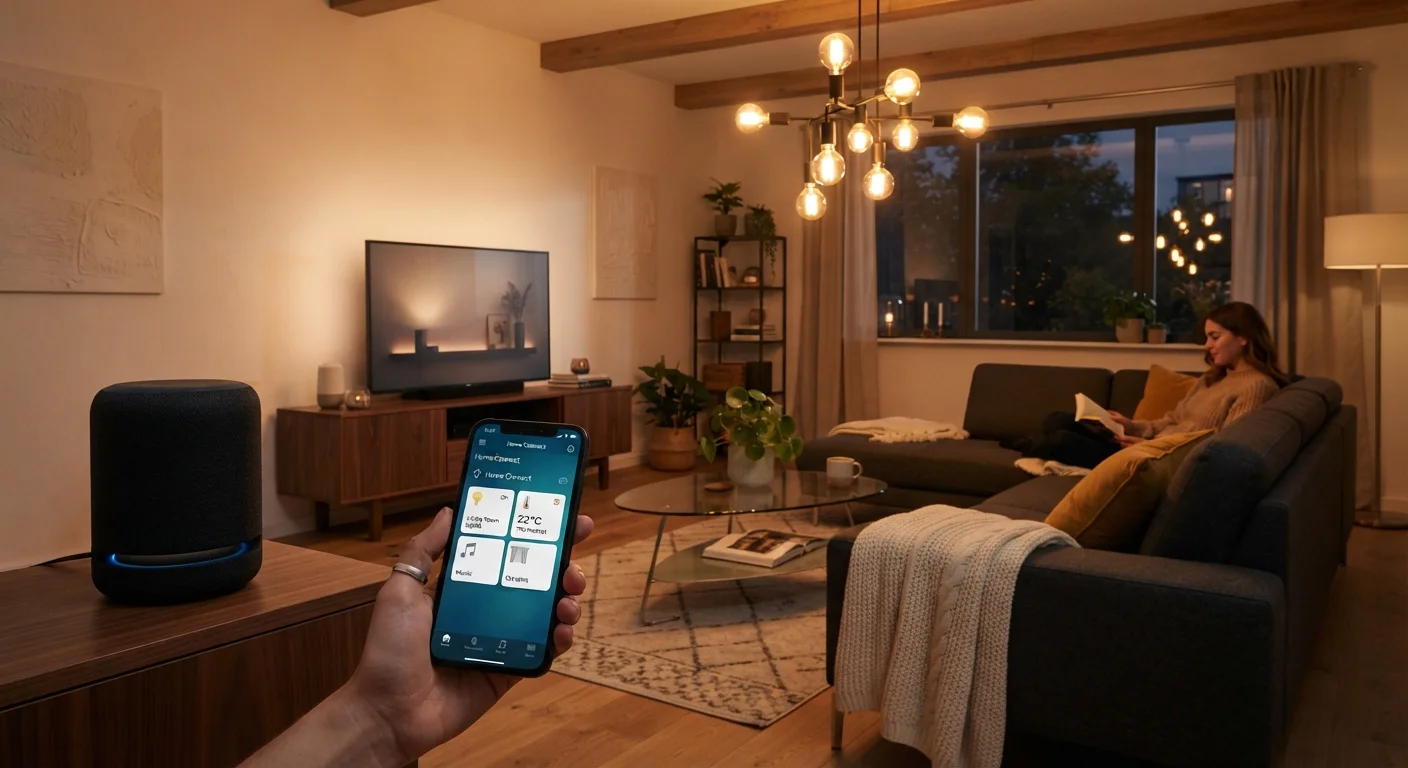
What Is a Smart Home Device?
A smart home device is any household item — a light bulb, a doorbell, a thermostat — that can connect to the internet or a home network and be controlled through an app, a voice command, or an automated schedule. The word "smart" simply means the device can send and receive digital instructions rather than just switching on and off.
Most smart devices work in one of two ways: they connect directly to your home Wi-Fi, or they connect to a small hub that then relays commands. Either way, your home's internet connection is the backbone. If you're new to home networking, our home networking guide explains how routers and Wi-Fi coverage work in plain language.
Smart device
A household item with built-in internet connectivity that can be controlled or automated through software, rather than only by a physical switch.
Voice assistant
Software that listens for spoken commands and carries them out — turning on lights, answering questions, or controlling other smart devices.
Hub
A central device that acts as a translator between smart devices using niche wireless protocols and your home's Wi-Fi network.
Ecosystem
The family of apps, devices, and services built around a single platform (like Amazon Alexa or Google Home) that are designed to work together.
Firmware
The built-in software that runs on a device. Manufacturers release firmware updates to fix bugs and improve security, much like app updates on a phone.
Matter
A newer industry standard that lets smart devices from different brands communicate with each other without needing brand-specific hubs or apps.
The Most Common Starting Points
First-timers tend to gravitate toward three categories because they're affordable, low-risk to install, and immediately useful:
- Smart speakers (such as voice-activated cylinders or displays) let you set timers, play music, check the weather, and control other smart devices using your voice. They act as a central hub for many people's setups.
- Smart bulbs replace standard light bulbs and let you dim lights, change color temperature, or turn them off from another room — or set them to a schedule.
- Video doorbells show a live camera feed of your front door on your phone, alert you when someone rings or approaches, and let you speak to visitors remotely.
Smart plugs deserve mention too — they turn any ordinary lamp or appliance into something you can switch on and off remotely. They're a good way to experiment before committing to purpose-built smart devices.
If you already own a modern television, it may already qualify. Our Smart TVs Explained article covers how those devices fit into a connected home.
Start With One Device, Not a Bundle
Buying a starter kit of five devices at once sounds efficient, but troubleshooting five unfamiliar things simultaneously is frustrating. Set up one device, use it for a week, and add the next only once you're comfortable. This approach also helps you evaluate whether a particular ecosystem suits your habits before you're invested in it.
How Smart Devices Connect and Communicate
The three most common connection methods are Wi-Fi, Bluetooth, and Zigbee/Z-Wave (low-power mesh radio protocols). Most consumer devices sold today use Wi-Fi because it doesn't require an extra hub and works with your existing router.
Voice assistants — the software that powers smart speakers — act as the control layer. When you say "turn off the kitchen light," your voice travels to the cloud, gets processed, and a command is sent back to the bulb in under a second. This means a voice assistant's features depend on a working internet connection, not just your home network.
A growing number of devices now support a standard called Matter, which is designed to let devices from different brands work together more reliably. It's worth looking for this label when choosing devices, though it's still rolling out across the market.
Your Internet Connection Matters More Than Your Devices
Even the most capable smart home setup will feel unreliable if your Wi-Fi signal doesn't reach every room consistently. Dead zones cause devices to drop offline, respond slowly, or fail to update. If you're planning a smart home setup, it's worth reviewing your router placement and coverage first. Our home networking guide covers this in detail.
Privacy and Security: What You Should Know
Smart devices are always-on by nature. A video doorbell records activity near your home. A smart speaker's microphone listens for a wake word. This data may be stored on company servers, and the policies governing that storage vary by manufacturer.
A few practical habits reduce risk considerably:
- Change default passwords on your router and any device that has its own login.
- Keep device firmware updated — most apps will notify you when updates are available.
- Consider setting up a separate guest Wi-Fi network for your smart devices, isolating them from computers and phones that hold sensitive data.
For a broader look at protecting your connected devices, see our guide on everyday device security habits.
Cheap No-Name Devices Carry Higher Risk
Very low-cost smart devices from unfamiliar manufacturers often lack regular security updates, making them easier targets once vulnerabilities are discovered. This doesn't mean you need to spend a lot, but choosing devices from brands with active app support and update histories is a reasonable precaution for anything connected to your home network.
Setting Realistic Expectations
Smart home technology works well when set up thoughtfully, but it isn't magic. Devices occasionally need a restart, app updates can temporarily change how things work, and a spotty Wi-Fi signal will cause frustrating delays. These aren't signs something is broken — they're normal features of internet-connected hardware.
Compatibility is the most common frustration new buyers run into. Not every device works with every voice assistant or ecosystem. Before purchasing, verify that a device lists compatibility with whichever platform you're using — whether that's Amazon Alexa, Google Home, or Apple HomeKit.
Start small. One smart bulb or a single smart plug gives you a feel for the setup process and day-to-day experience before you invest further. Smart home upgrades can also overlap with broader home improvement projects — swapping out switches or fixtures is often a natural moment to consider connected versions.
Your smartphone is the remote control for almost everything described here. If you'd like to get more out of it beyond smart home control, there are likely features you haven't discovered yet.
