
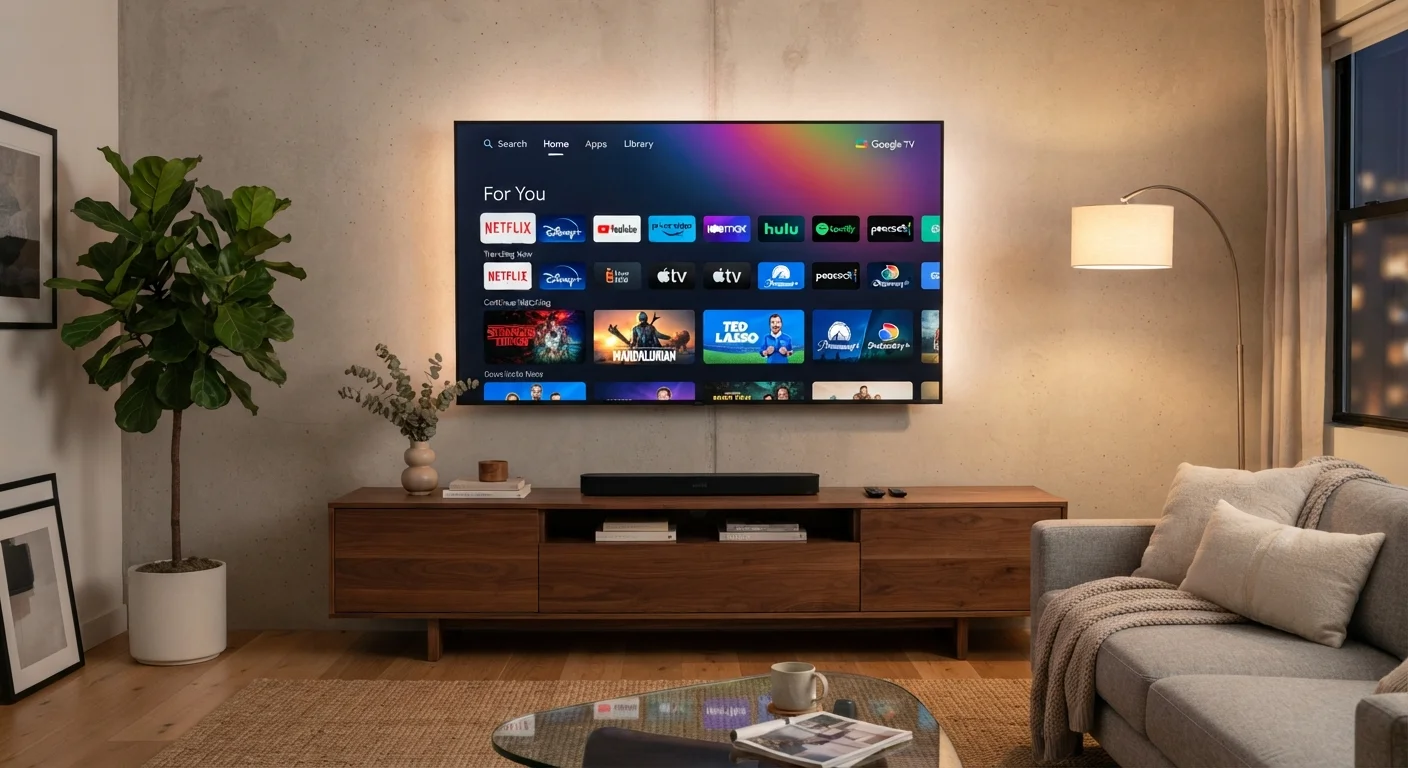
What a Smart TV Actually Does
At its core, a smart TV does three things a traditional television cannot: it connects to the internet, runs apps, and receives software updates over time. Once connected to your home Wi-Fi — or via an Ethernet cable for a more stable connection — a smart TV gives you access to a curated library of apps chosen by the manufacturer.
Most smart TVs come preloaded with popular streaming services, free ad-supported channels, a music app or two, and sometimes a voice assistant you can activate with a button on the remote. The interface is designed to be navigated with a basic remote, so the experience is deliberately simpler than using a computer or tablet.
Smart TVs can also act as a hub for some smart home devices. Depending on your TV's platform, you may be able to view a video doorbell feed, control smart lights, or check in on a security camera — all without leaving the couch. For a broader look at how these devices fit together, see our plain-language introduction to smart home devices.
~80%
US households with at least one smart TV
According to industry research from Leichtman Research Group, roughly four in five US TV households have at least one internet-connected television.
4–5 years
Typical smart TV software support window
Consumer technology analysts generally estimate most manufacturers provide meaningful software updates for three to five years after a model's release, though this varies widely by brand.
What Smart TVs Cannot Do (And Why It Matters)
The word "smart" can set unrealistic expectations. A smart TV is not a full computer, and understanding its limits helps you avoid frustration.
- Web browsing is limited. Most smart TVs include a basic browser, but navigating complex websites, filling out forms, or streaming from a site that lacks a dedicated app is clunky at best.
- App libraries are restricted. Unlike a smartphone or computer, you can only install apps that the TV manufacturer has approved for its platform. If a service hasn't built an app for your specific TV's operating system, you can't add it.
- Processing power is modest. Smart TV processors are designed for video playback, not multitasking. Switching between apps can be slow, and older TVs may struggle to run newer, more demanding apps smoothly.
- Software support has an end date. Manufacturers eventually stop updating the operating system on older models. When that happens, apps may stop working or become unavailable — even if the screen itself is perfectly fine.
Extend Your TV's Life With an External Device
If your smart TV's app library is outdated or its platform no longer receives updates, consider plugging a streaming device into an HDMI port. These devices run their own operating systems and receive independent updates, effectively giving your existing TV a software refresh without the cost of replacement.
Privacy, Security, and Keeping Your Smart TV Healthy
Smart TVs gather data. Most use Automatic Content Recognition (ACR) — a technology that samples what's on your screen and reports it back to help deliver targeted advertising. This is standard practice and disclosed in the terms you agree to during setup, but it's worth knowing you can usually turn it off. Look in your TV's Settings menu under Privacy, Viewing Data, or a similarly named section.
From a security standpoint, keeping your TV's software updated is important. Manufacturers periodically release patches that address vulnerabilities. Most smart TVs can be set to update automatically, which is the simplest approach for most households.
Your smart TV is also only as secure as your home network. Using a strong, unique password on your Wi-Fi router is the single most effective step you can take to protect all connected devices — your TV included. If your TV begins behaving strangely (crashing, showing unexpected content, or running slowly), a factory reset followed by a fresh setup often resolves software-related issues.
ACR Opt-Out Steps Vary by Manufacturer
The setting to disable Automatic Content Recognition goes by different names depending on your TV brand — it may be called "Viewing Data," "SambaTV," "Live Plus," or simply "Interest-Based Advertising." Searching your TV model name plus "disable ACR" is a reliable way to find the exact steps for your device.
Getting More From Your Smart TV
If your smart TV's built-in platform feels limiting, an external streaming device — plugged into any HDMI port — can give you access to a different operating system with a broader app library and more frequent updates. This is a practical way to extend the usefulness of an older TV without replacing the whole unit.
Voice control is another underused feature. Many smart TVs respond to voice commands through their remote or a built-in microphone, letting you search for content, switch inputs, or adjust settings without navigating menus. The capability varies by platform, so check your TV's manual or settings for what's supported.
If you're curious about the full range of features hidden in your other connected devices, our article on smartphone features most people never use shows just how much modern devices can do beyond their obvious functions.
The bottom line: a smart TV is a genuinely useful device when you understand what it was designed for. Streaming, app-based entertainment, and basic smart home integration are its strengths. Expecting it to replace a computer or remain fully supported indefinitely will lead to disappointment. Match the tool to the task, and a smart TV delivers solid value for most households.
