
Breaking Down the Basics: Bits, Bytes, and Bandwidth
When you sign up for internet service, the plan description usually leads with a number followed by "Mbps." That number is your connection's bandwidth — the maximum amount of data it can carry per second. More bandwidth means more data can move simultaneously, which translates to a smoother experience when multiple devices are active at once.
Here's where many people get tripped up: internet speeds are measured in bits, not bytes. Your files and storage are measured in bytes (MB, GB), but your connection speed is measured in bits (Mbps, Gbps). Since there are 8 bits in every byte, a 100 Mbps plan can transfer roughly 12.5 megabytes of data per second. Knowing this prevents confusion when you download a 1 GB file and wonder why it takes longer than a single second on a "fast" connection.
How the FCC Defines Broadband Speed
The Federal Communications Commission updated its definition of broadband internet to require at least 100 Mbps download and 20 Mbps upload speeds. This benchmark is used when evaluating whether an area has adequate internet access. If your current plan falls below these thresholds, it may be classified as sub-broadband by federal standards.
Common speed tiers you'll see from providers include 25 Mbps (entry-level), 100–300 Mbps (mid-range for most households), 500 Mbps–1 Gbps (high-capacity plans), and beyond. For context, the FCC defines broadband as a minimum of 100 Mbps download and 20 Mbps upload as of its updated standards.
Download vs. Upload: Why Both Numbers Matter
Your internet plan likely lists two separate speed figures: download and upload. These are not the same thing, and the difference affects your daily experience in meaningful ways.
- Download speed governs how quickly data comes to you — loading web pages, streaming shows, receiving emails with attachments, and online gaming updates all depend on this.
- Upload speed controls how quickly you send data outward — video calls, sharing files, live streaming, and backing up photos to the cloud rely on upload capacity.
Many standard cable internet plans are asymmetric, meaning download speeds are significantly higher than upload speeds. A plan advertised as "300 Mbps" may only offer 20–30 Mbps upload. For households where remote work or video conferencing is common, a plan with stronger upload speeds — such as those offered by fiber connections — can make a noticeable difference. Fiber and cable internet handle upload speeds very differently, and understanding that distinction helps you pick the right plan.
Test Your Speed Before Upgrading Your Plan
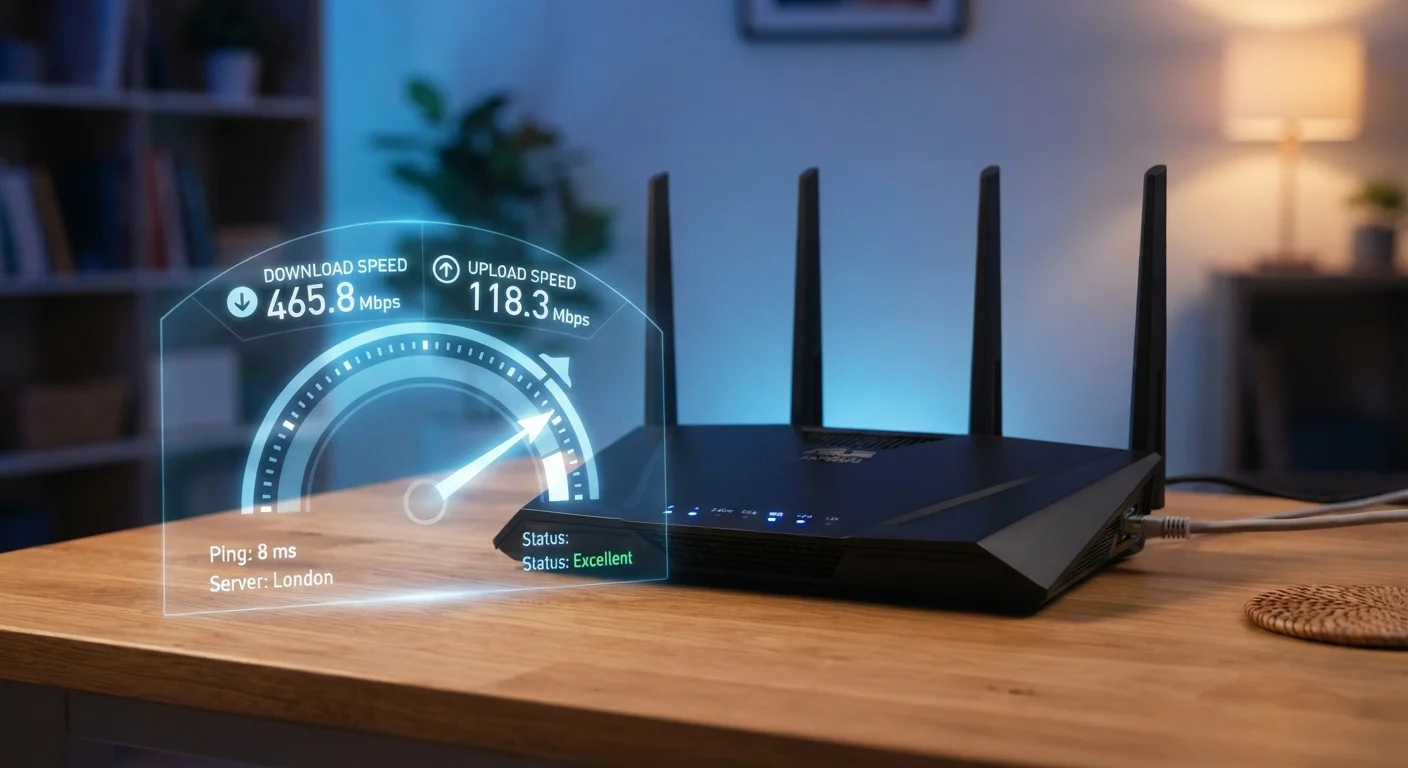
Before paying for a faster plan, run a speed test at different times of day using a device connected by Ethernet cable. If your tested speeds are consistently close to your plan's advertised rate, the issue may be your router or home Wi-Fi setup rather than the plan itself. Upgrading your router or adjusting its placement could improve performance without any change to your subscription.
How Many Mbps Does Your Household Actually Need?
The right speed for your home depends on two key factors: what you do online and how many people and devices share your connection. A single person who mainly browses the web and streams music has very different needs from a four-person household with smart TVs, gaming consoles, and video calls happening simultaneously.
100 Mbps
FCC's updated minimum broadband definition
The FCC raised its broadband speed benchmark to 100 Mbps download / 20 Mbps upload to better reflect modern household usage needs.
~12.5 MB/s
Actual file transfer rate on a 100 Mbps plan
Because there are 8 bits per byte, a 100 Mbps connection moves approximately 12.5 megabytes of data per second under ideal conditions.
1,000 Mbps
What 1 Gbps equals in megabits
Gigabit internet plans, increasingly available through fiber providers, offer 1,000 Mbps — enough for dozens of simultaneous HD streams.
As a general framework, consider what each activity typically demands per user:
| Activity | Approximate Speed Per User |
|---|---|
| Web browsing / email | 1–5 Mbps |
| HD video streaming | 5–10 Mbps |
| 4K video streaming | 20–25 Mbps |
| Video calls (HD) | 5–10 Mbps |
| Online gaming | 3–25 Mbps (latency matters more) |
Add those figures across all simultaneous users to estimate what your household needs. Most mid-size households find 100–200 Mbps sufficient, while larger homes with many concurrent streams benefit from 300 Mbps or more. Remember that more devices don't automatically mean worse speed — it depends on what each device is actively doing.
Why Your Real Speed May Differ From What's Advertised
Advertised speeds are maximums under ideal conditions — they're not guarantees. Several factors reduce the speed your devices actually experience:
- Wi-Fi signal degradation: Walls, distance from the router, and interference from neighboring networks all weaken wireless signals. A wired (Ethernet) connection to your router is consistently faster and more stable.
- Router age and quality: An older router may be the bottleneck, not your internet plan. If your router can't handle your plan's top speed, you'll never see it regardless of what you're paying for.
- Network congestion: During peak hours — typically evenings — you may share capacity with many other customers on the same provider infrastructure, temporarily reducing speeds.
- Plan type: Different internet connection types like DSL, cable, and fiber have different real-world reliability characteristics.
Running a speed test from a device connected directly to your router via Ethernet gives the most accurate picture of what your plan is actually delivering. If your tested speeds fall consistently far below your plan's advertised rate, that's worth raising with your provider. Be aware that data caps in your service agreement can also affect performance once you've used a certain amount of data in a billing cycle.
